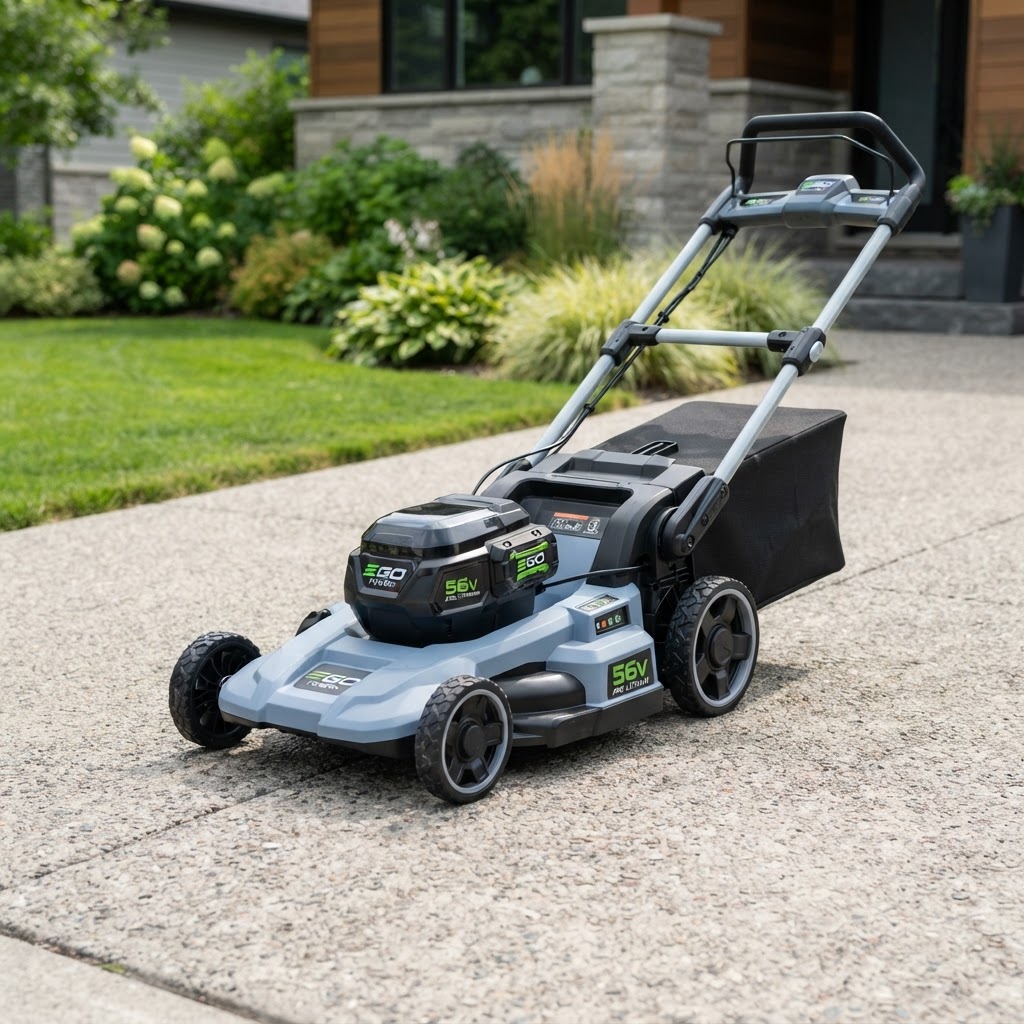
Flog your gear to 50,000+ Aussie lawn-care buyers
Put your power tools, mowers and outdoor gear in front of a highly-targeted mob — homeowners and pros actively buying lawn and garden gear. No worries, just results.
Sign in to manage your adsNew partner? Create an advertiser account · Read the setup guide
Hyper-targeted
Reach homeowners booking lawn services and the pros serving them — at the exact moment of purchase intent.
Flexible packages
From sponsored homepage banners to in-booking tool recommendations with brands like Bunnings.
Transparent reporting
Real-time impressions, clicks and conversions. Pay only for what works.
Ad placements
Homepage banner
Premium visibility on our landing page.
In-search sponsored
Top of search results for relevant services.
Booking confirmation
Tool recommendations when customers are ready to buy.
How to get started, safely
Two quick stages — create a secure account, then build your first ad. Follow every step so your campaign goes live without a hitch.
Create your secure advertiser account
- 1Register. Head to the Register page and enter your brand or company email plus a strong password (12+ characters, mix of letters, numbers, symbols). Don't reuse a password from another site.
- 2Verify your email. Check your inbox for a one-time code (OTP) — it arrives within a minute or two. Enter it on the verification screen. Never share this code with anyone.
- 3Pick the Advertiser role. After logging in, choose the Advertiser role to land on your advertiser dashboard. You can update this later if needed.
- 4Start your subscription. From your dashboard, begin the advertiser subscription checkout — $2/month, live in the published app. You must be subscribed to create ads.
Create and publish your ad
- 1Open your dashboard. Head to your advertiser dashboard and click 'New ad'.
- 2Add brand & title. Enter your brand name (e.g. Bunnings) and a short title (e.g. Ozito 18V Mower).
- 3Write your headline. Add a short supporting line of copy that grabs attention.
- 4Add an image & link. Paste a product image URL and the destination link you want customers to visit.
- 5Choose a placement. Pick where your ad shows — homepage banner, in-search, sidebar or floating overlay.
- 6Publish. Set status to Active and hit 'Publish ad'. It's live immediately — track impressions and clicks in your dashboard.
Use a unique password
12+ characters, no re-use. A password manager keeps it simple.
Never share your OTP
We'll never ask for your verification code by phone or email.
Sign in with Google
Skip the password entirely — secure and fast on the register page.
Partner with James' Trimmings
Trusted by Bunnings and leading power tool brands.
Supply our pros — nurseries, hire yards, turf, mulch & tools
Not advertising but want to get your products and services to our network of lawn-care pros? Register your interest and our partnerships team will reach out.